Open-Box vs Refurbished Electronics: Warranty Checklist Before You Buy
A practical electronics buying checklist for comparing open-box, refurbished, renewed, and clearance deals before checkout.

Open-box and refurbished electronics can be smart buys, but only when the condition, warranty, return policy, and seller are clear. A lower price is not enough by itself. Before buying a laptop, headphones, camera, appliance, or smart home device, compare what you are giving up in exchange for the discount.

Know the label
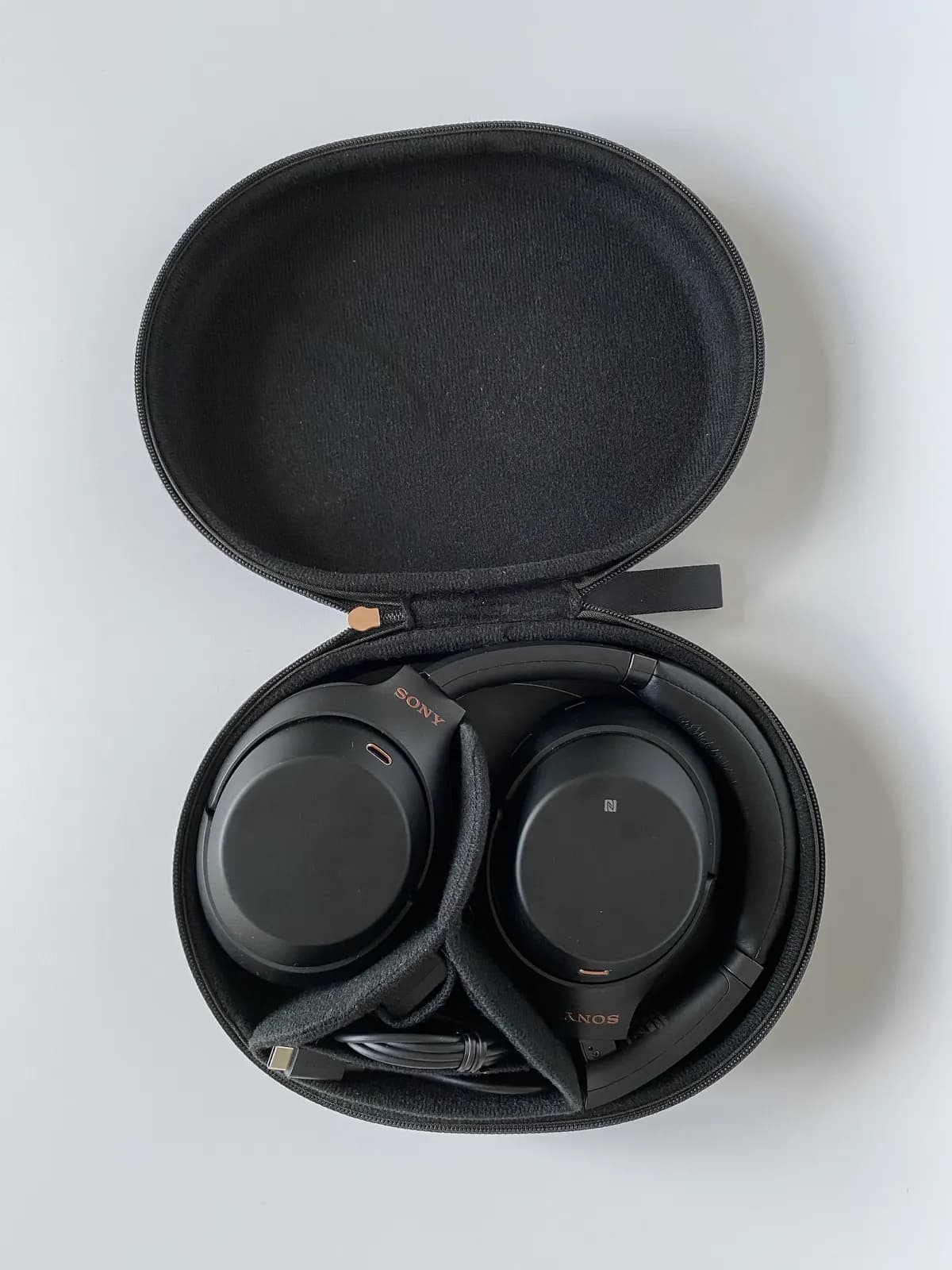
Open-box usually means the item was returned or displayed and may still include original accessories. Refurbished usually means the item was inspected, repaired, cleaned, or restored before resale. Renewed, certified pre-owned, outlet, and clearance labels vary by merchant. Read the exact merchant definition instead of assuming every label means the same thing.
| Label | What to verify | Best fit |
|---|---|---|
| Open-box | Missing accessories, cosmetic condition, return window | Local pickup or easy returns |
| Refurbished | Who refurbished it and what warranty applies | Higher-ticket products with clear coverage |
| Clearance | Final sale language and model age | Low-risk accessories or familiar items |
| Marketplace renewed | Seller identity, reviews, warranty provider | Only when seller terms are strong |
Warranty questions to answer
The FTC advises shoppers to review warranties before buying and save copies for their records when shopping online. For electronics, look for warranty length, who handles claims, whether parts and labor are covered, and whether the warranty is full or limited. If the product has a short warranty, the discount should be large enough to justify the risk.

Return policy matters
Test electronics quickly after delivery. Check battery health, ports, display, keyboard, Bluetooth, Wi-Fi, serial numbers, storage, and included accessories. Keep packaging until the return window passes. If the merchant charges a restocking fee, compare that fee with the discount before buying.
Buy now or skip?
- Buy if condition details are specific and the warranty is clear.
- Consider buying if the return window is easy and the item is available for local return.
- Skip if the seller hides condition details, warranty terms, or accessory lists.
- Skip if the discount is small but the return or warranty risk is high.