
Video Doorbell Buying Guide: What Actually Matters Before You Buy
Before buying a video doorbell, understand the real tradeoffs behind battery vs. wired power, the subscription-for-playback trap most brands share, and how motion zones prevent alert fatigue.
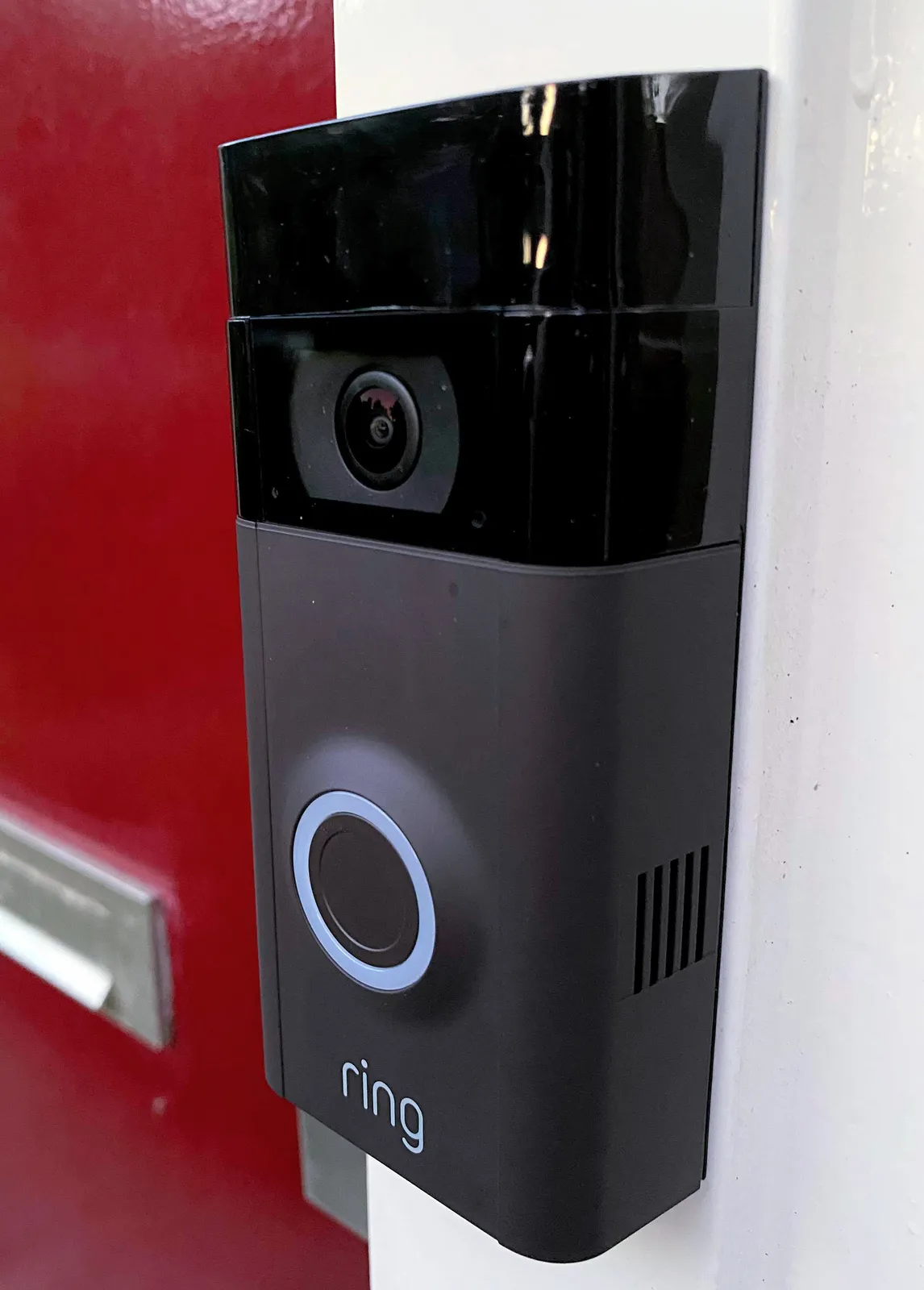
A video doorbell looks like a simple upgrade: swap the button, add a camera, see who's at the door on your phone. In practice, the category is full of decisions that don't show up in the marketing copy — whether your existing wiring will even work, whether the "free" recording the box implies actually costs $3-10 a month forever, and whether the motion detection will bury you in notifications about passing cars and blowing leaves. This guide is for anyone shopping for their first video doorbell, or replacing one that disappointed them, who wants to understand the tradeoffs before handing over a card number. It is not a review of one product — it's the framework we wish existed before we tested a stack of these units on a real front door.
Quick answer
- If you have existing doorbell wiring (a transformer box in a closet or panel) and don't mind a battery backup buffer, a wired/hardwired video doorbell gives the most reliable always-on video and skips battery charging chores.
- If you rent, live somewhere without existing low-voltage wiring, or want to move the unit when you move out, a battery-powered model is the honest answer — accept that you'll recharge it every 1-3 months depending on activity and season.
- Almost every major brand (Ring, Nest, Arlo, Eufy being the main exception with local storage) gates recorded video playback and cloud history behind a subscription. Read the fine print before you buy, not after the free trial ends.
- Motion zone customization is the single feature most responsible for whether you actually keep using the app, or mute it after a week of irrelevant alerts.
- Field of view and video quality matter less than most buyers assume once you get above 1080p and 160°+ diagonal — the bigger differentiator is HDR handling in direct sun and low-light color accuracy at night.
Battery vs. wired: the tradeoff nobody explains clearly
Every video doorbell needs power, and the two paths available shape almost everything else about ownership. A wired (hardwired) doorbell connects to your home's existing low-voltage doorbell transformer — typically 16-24V AC — the same wiring that powered your old mechanical chime. Because power is continuous, the camera can stay in a higher-performance mode: shorter wake-up latency when someone approaches, continuous (rather than triggered) video buffering that captures the half-second before motion is detected, and no battery anxiety. The catch is that a meaningful share of homes, especially anything built without a doorbell at all or with a battery-operated wireless chime already installed, simply don't have the wiring in place. Retrofitting low-voltage wire through finished walls is a real electrician job, not a weekend project, and running new wire from a breaker panel isn't something most homeowners want to take on for a doorbell.
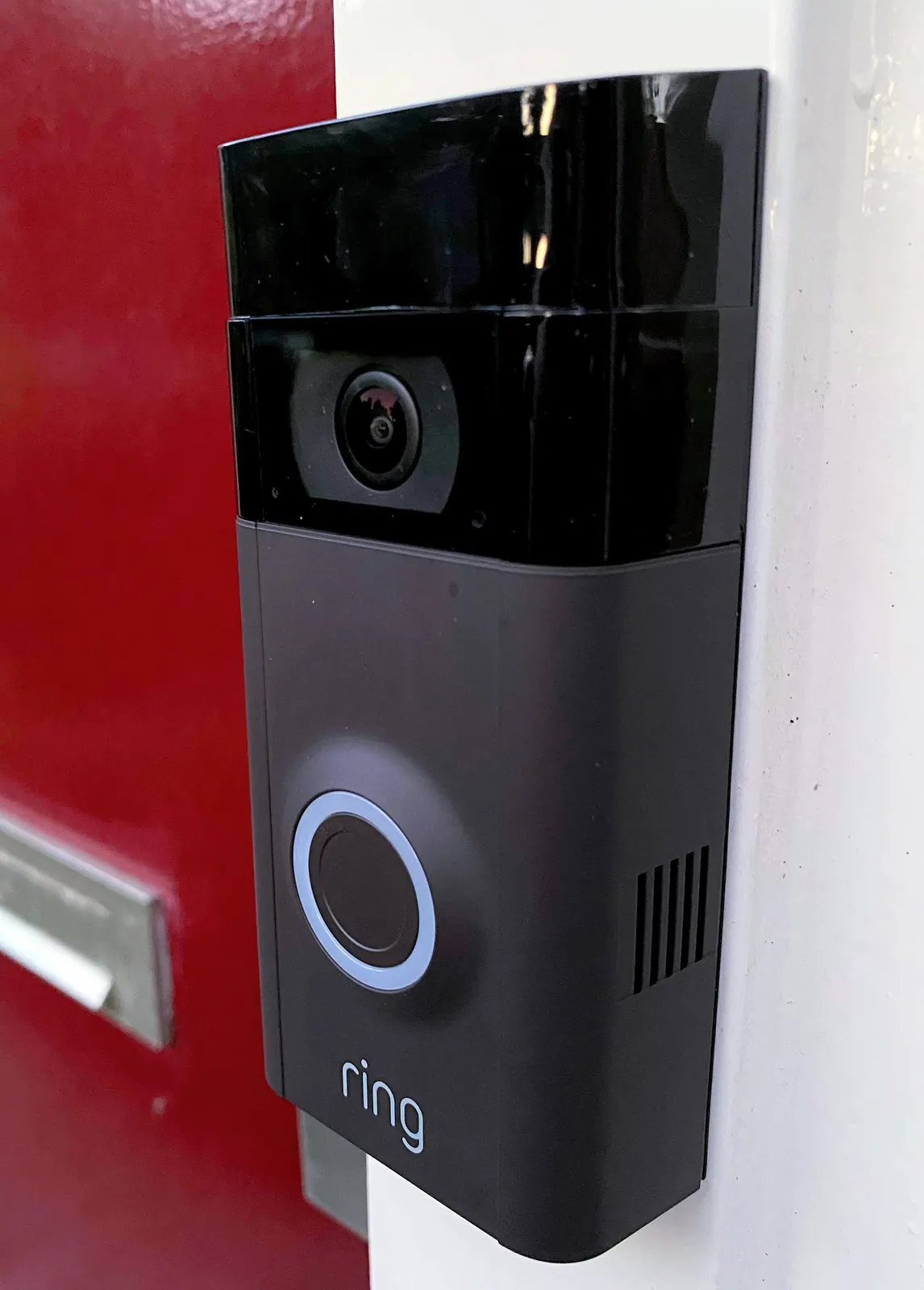
Battery-powered doorbells solve the installation problem: mount with two screws (or even adhesive strips for some models), pair over Wi-Fi, no electrician, no wiring at all. That flexibility comes at a real cost, though, and it's one that battery-doorbell marketing tends to soft-pedal. Every motion event, every ring, every live view you pull up on your phone drains the battery, and video streaming is power-hungry compared to the trickle draw of a simple chime button. In practice, a household getting a moderate number of daily events — a mail carrier, a couple of deliveries, kids coming and going — sees battery life closer to 4-8 weeks than the "months" some spec sheets imply, and that shrinks further in cold weather, since lithium battery capacity drops in low temperatures. If your front door sees heavy foot traffic (multi-unit buildings, busy retail-adjacent homes), expect to be pulling the battery pack to recharge every few weeks, which for many people becomes the single biggest source of doorbell dissatisfaction after the first few months of ownership.
A middle path exists: some doorbells support a "wired to trickle-charge a battery" mode, using your existing low-voltage wiring not to run the camera directly but to keep a small internal battery topped off. This is a reasonable compromise if your existing transformer is underpowered for what a direct-wired camera needs (some older transformers are 10VA and can't reliably drive certain doorbell cameras' peak draw), but confirm your specific model actually supports this mode and that your transformer meets its minimum voltage/current spec — plugging a doorbell into an incompatible transformer is a common cause of random reboots and dead video during motion events.
The subscription-for-playback trap
This is the part of the category that generates the most buyer's remorse, and it's shared across nearly every major brand. The doorbell itself — the hardware, the live view, the two-way talk — usually works without a subscription. What's frequently gated behind a paid plan is the thing people assume is included: the ability to actually go back and watch a recorded clip after the fact. Without a subscription, many of these devices will still send you a push notification ("Motion detected") but the recorded video of what triggered it either isn't saved at all, or is only viewable for a very short window, or isn't viewable as a scrubbable clip — just a still thumbnail.
Before buying, look specifically for the words "cloud recording," "video history," or "event video storage" in the plan comparison table, not just "motion alerts" or "live view," which are usually free tier features designed to make the base experience feel functional in the store. Ask, concretely: if a package goes missing from my porch, will I be able to pull up and export the clip without paying anything monthly? For the majority of mainstream video doorbells, the honest answer is no — you need at least the basic paid tier, typically in the $3-10/month or $30-100/year range, to have any recorded video to hand to police or insurance. A minority of the market (local-storage-first brands, and some models that accept a microSD card or connect to a local hub with its own storage) let you keep that history without a recurring fee, which we cover in the storage section below. If a subscription-free recording path matters to you, that should be a primary filter before you compare video quality or design at all — it changes the total cost of ownership by hundreds of dollars over a few years.
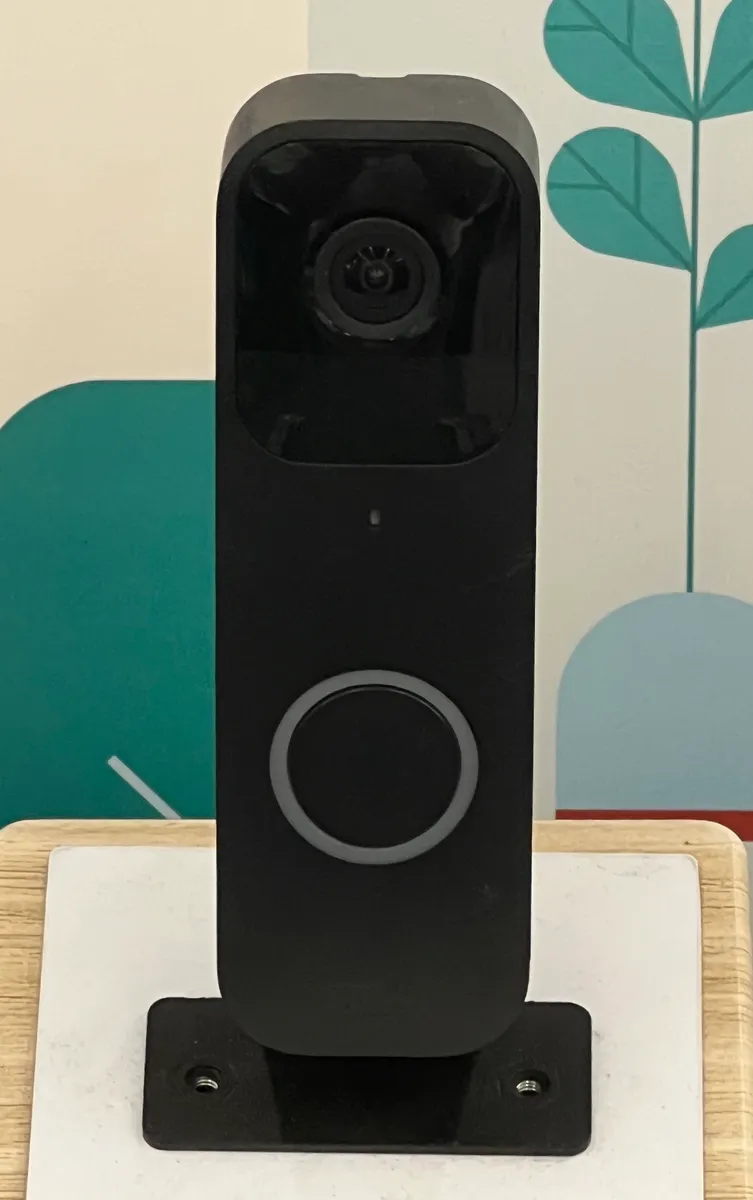
It's also worth reading whether the subscription is per-device or whole-home. If you're planning to add an indoor camera or a second doorbell later, a whole-home plan that covers unlimited devices for one flat fee is usually the better long-term value versus a per-camera subscription that multiplies with every device you add. Some brands also throttle clip length or resolution on lower tiers — a $3/month plan might give you 30-second clips at reduced resolution while a $10/month plan gives full-length, full-resolution history with longer retention (30 days vs. 60, for example). None of this is a dealbreaker on its own, but it should be a line item you compare across brands with the same rigor you'd apply to comparing camera resolution.
Field of view and video quality: what actually matters
Manufacturers lead with resolution numbers — 1080p, 1600p, 2K — and diagonal field-of-view figures that sound impressive (160°, 180°, even claims near 200°). In practice, once a doorbell clears roughly 1080p and a 150-160° diagonal field of view, further increases produce diminishing real-world returns for the core job of a doorbell camera: recognizing a face and a package at your porch, and covering enough of the walkway to see someone approaching before they reach the door. What actually separates a good doorbell camera from a mediocre one in daily use is rarely the headline spec — it's three things that don't show up on the box.
- HDR handling in direct sunlight. A doorbell facing east or west will get hit with direct sun for part of the day. Cheaper sensors either blow out to white or crush the visitor's face into a silhouette. Good HDR processing keeps a visible, identifiable face even with bright sky behind them — this is the single most common complaint in real owner reviews across brands, far more than raw resolution.
- Color night vision vs. traditional infrared. Classic IR night vision gives a monochrome green/gray image at night — functional for detecting motion, nearly useless for identifying clothing color or a face at a distance. Newer "color night vision" models use a small spotlight or higher-sensitivity sensor to render usable color video after dark, which matters if you actually want an evidentiary-quality clip, not just a shape.
- Vertical field of view for packages. A camera angled for face-height framing can crop out a package sitting on the ground directly below the doorbell. Some brands offer an adjustable wedge mount or a dedicated "package view" cropped zone in the app precisely to fix this blind spot — worth checking for if package theft is your primary concern rather than visitor identification.
If your main goal is package monitoring rather than visitor identification, prioritize vertical field of view and a low mounting height over headline diagonal FOV numbers. If your main goal is identifying visitors (a business front door, an apartment building entry), prioritize HDR performance and consider a slightly narrower FOV in exchange for better face-height resolution, since digital zoom on a wide shot loses detail fast.
False alerts and motion zone customization
The number one reason people stop using a video doorbell app within the first month has nothing to do with video quality — it's alert fatigue. A doorbell mounted near a street will trigger on passing cars, delivery trucks two houses down, a neighbor's dog, blowing leaves, and shifting tree shadows if it's using basic motion detection (frame-to-frame pixel change) rather than something smarter. Getting 30-plus notifications a day for irrelevant motion trains most people to mute notifications entirely — at which point you've lost the entire point of buying a "smart" doorbell, since you'll only find out something happened by manually opening the app after the fact.
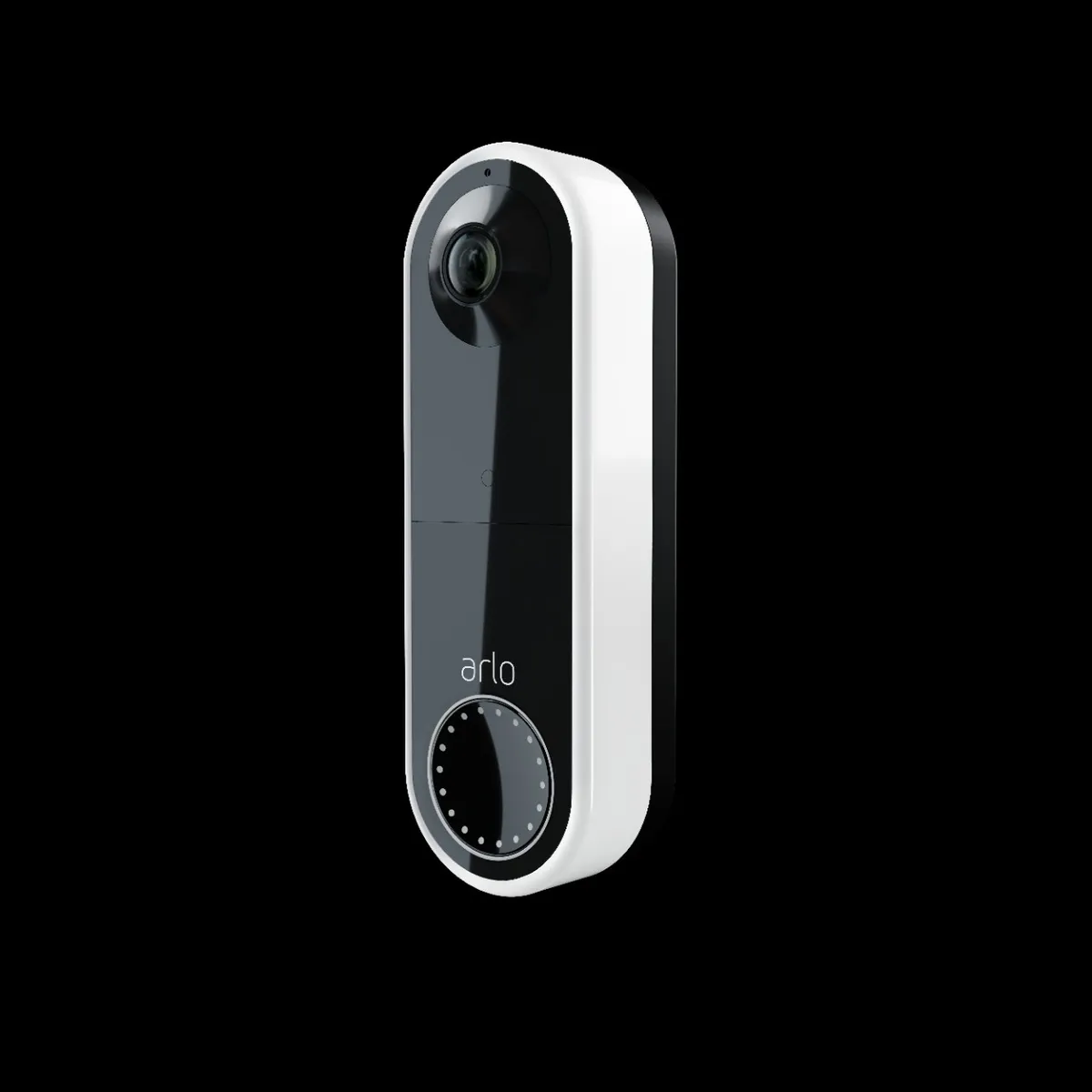
Two features fix this, and their presence (or absence, or paywalling) should be a hard filter when shopping:
- Custom activity zones. The ability to draw a polygon in the app — covering just your walkway and porch, excluding the street and sidewalk — so motion outside that zone doesn't trigger a notification at all. This is table stakes on most modern doorbells, but on some budget models it's either missing or limited to a single crude rectangle rather than a real freeform shape.
- Person/vehicle/package detection (AI-based filtering). Rather than alerting on any pixel change, the doorbell classifies what moved and only notifies for the categories you care about — typically "person" for most households. This cuts an enormous share of false positives from cars, animals, and weather. Be aware that on many brands this smarter filtering is itself part of the paid subscription tier, not available on the free plan, which folds back into the subscription-trap issue above — check specifically whether zone customization and person detection require a paid plan before assuming they're included.
A practical setup tip that costs nothing: after installing, spend the first evening walking your own property at different distances and angles while watching the live feed, then draw your activity zone to the narrowest shape that still reliably catches someone walking up to your door. Most people skip this step and live with the default (usually the full frame), which is the single most common cause of alert fatigue we see reported.
Local vs. cloud storage: what happens to your video
Where the actual recorded footage lives affects both privacy and ongoing cost, and the three broad models each have real tradeoffs.
- Cloud-only storage (most Ring, Nest, and Arlo configurations by default): video is uploaded to the manufacturer's servers, viewable from anywhere, easy to share a clip via link, but tied to that company's subscription for any retention beyond a very short free window, and dependent on your upload bandwidth — a slow upstream connection can mean the clip isn't fully saved before the event ends, or live view lags.
- Local storage (a microSD card in the doorbell itself, or a local hub/base station with its own drive — Eufy's non-subscription line is the most commonly cited example): no monthly fee for basic recording and playback, video never leaves your network by default, but you lose easy remote access to historical clips if your internet is down, the storage is finite and old footage gets overwritten, and physical access to the doorbell or hub means physical access to the footage unless it's encrypted.
- Hybrid: some brands offer a small amount of free cloud storage (a rolling 24-hour or few-day buffer) with a paid tier for extended history, effectively splitting the difference — usable without payment, but limited.
If avoiding a recurring bill is the priority, local storage is the honest answer, but go in accepting the real tradeoff: no cloud backup means a stolen or damaged doorbell can take your footage with it, and no subscription usually also means no advanced AI filtering (see above), since that processing often runs in the cloud. If remote access from anywhere and easy clip-sharing (e.g., to a neighborhood group or the police) matters more than avoiding a monthly fee, cloud storage is the more convenient default, and budgeting for the subscription from day one avoids the unpleasant surprise later.
Installation considerations: wiring, renting, and apartments
Before you buy, it's worth an honest five-minute check of your actual front door situation, because it eliminates a large share of the "wrong doorbell" returns we hear about.
- Check for existing wiring. Remove your current doorbell button or chime and look for two low-voltage wires. If they're present and your existing transformer meets the new doorbell's voltage/current spec (check the manual — this varies by brand and model), a wired install is straightforward and gives you the reliability benefits above.
- Renting or an HOA with modification restrictions. Many leases prohibit drilling into siding, brick, or a shared building entry, and installing a wired doorbell typically means removing the existing hardware and possibly patching drywall on move-out. A battery-powered doorbell that mounts with an adhesive plate or a minimal, easily-patched screw mount is the more honest fit here — check specifically whether the brand sells a no-drill mounting kit, since not all do by default.
- Apartments and shared entries. A doorbell that requires access to a shared building intercom system, or that needs to be wired into a buzzer panel controlled by building management, is often simply not an option for renters — a standalone battery unit mounted just outside your own unit door is usually the only realistic path, and even then, check your lease for camera/recording restrictions, since some buildings and some local laws restrict recording shared hallways.
- Wi-Fi signal strength at the door. Video doorbells are bandwidth-hungry compared to a simple smart plug or sensor, and a front door is often the furthest point in the house from the router. Before committing to a specific model, check your Wi-Fi signal strength at the exact mounting location (most phones show signal bars, or use a Wi-Fi analyzer app) — a doorbell with marginal signal will show laggy live view, delayed notifications, and dropped recordings regardless of how good its camera is. A mesh Wi-Fi extender or a dedicated access point near the entry can fix a borderline installation for a fraction of the cost of returning and re-shopping for doorbells.
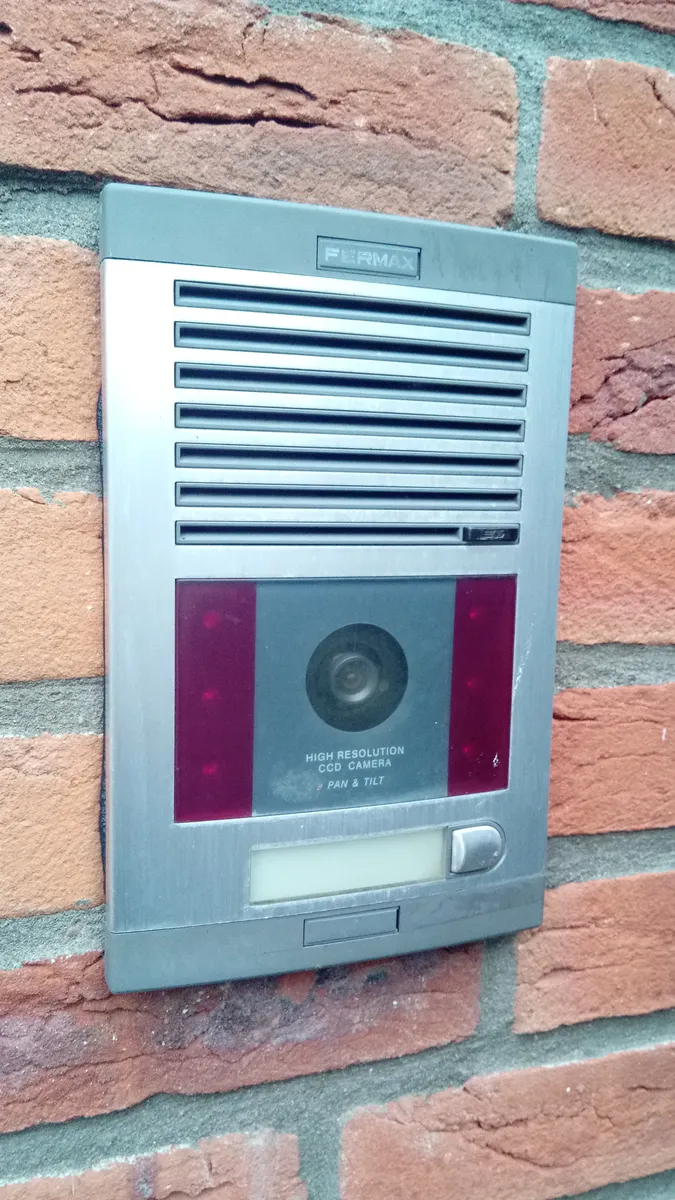
One more practical note on installation: doorbell height and angle matter more than most buyers expect. Standard guidance from most manufacturers is roughly 48 inches from the ground, angled to capture face height for an average adult while still keeping the walkway and porch floor in frame for package detection. Mounting too high to avoid theft (a real concern in some neighborhoods) trades away facial identification quality; a wedge mount kit, sold separately by most brands, can angle the camera downward from a higher position as a compromise.
A decision framework: matching the doorbell to your situation
Rather than starting from "which brand is best," it's more useful to start from your own constraints and let those narrow the field:
- You own your home and have existing doorbell wiring: A wired doorbell is the strongest default — better reliability, no battery maintenance, and continuous power supports better always-on video buffering. Confirm your transformer's voltage/current rating matches the doorbell's spec sheet before buying.
- You rent, or your lease/HOA restricts modifications: A battery-powered, no-drill-mount doorbell is the realistic choice. Accept the recharging cadence as a real ongoing chore, budget for it, and check specifically for a no-drill mounting kit before purchase.
- You want to avoid a monthly bill entirely: Prioritize local storage (microSD or local hub) over cloud-only brands, and go in aware that you'll likely also give up cloud-based AI filtering like person/vehicle detection, which typically requires cloud processing.
- Your front door faces direct morning or afternoon sun: Prioritize HDR performance over resolution and field-of-view numbers — this is the spec that will actually determine whether you can identify a visitor's face in real conditions, not diagonal degrees or megapixels.
- Package theft is your primary concern: Prioritize vertical field of view and a low, angled mount over headline FOV, and look specifically for a "package zone" feature in the companion app if the brand offers one.
- You live in a high-traffic area (busy street, multi-unit building): Prioritize custom activity zones and person-detection filtering above all else — without them, you will very likely stop checking notifications within a few weeks, which defeats the purpose of the purchase.
If you want to see how these tradeoffs play out in a specific, widely-owned model, our hands-on Ring Video Doorbell review covers ten weeks of real front-door testing, including battery drain in cold weather, subscription plan details, and false-alert frequency before and after zone customization.
Closing takeaway
There's no single "best" video doorbell independent of your situation — the right choice depends on whether you own or rent, whether wiring already exists, whether you're willing to pay a recurring fee for recorded history, and how much foot or vehicle traffic passes your door daily. The most common regret we hear isn't about a specific brand underperforming — it's buyers who didn't realize recorded playback required a subscription, or renters who bought a wired-only model incompatible with their lease, or households in high-traffic areas who never customized motion zones and gave up on the notifications within a month. Work through the constraints above before comparing specific models, and the shopping decision gets a lot simpler: you'll be filtering by real requirements instead of marketing numbers on a box.