1TB Portable SSD Review: Five Months, Four Cables and a Sustained Write Test
512 MB/s on the right port and 38 MB/s on the wrong cable — the two things that decide a portable SSD's real speed have nothing to do with the drive.
As an affiliate, Keen Review earns from qualifying purchases.
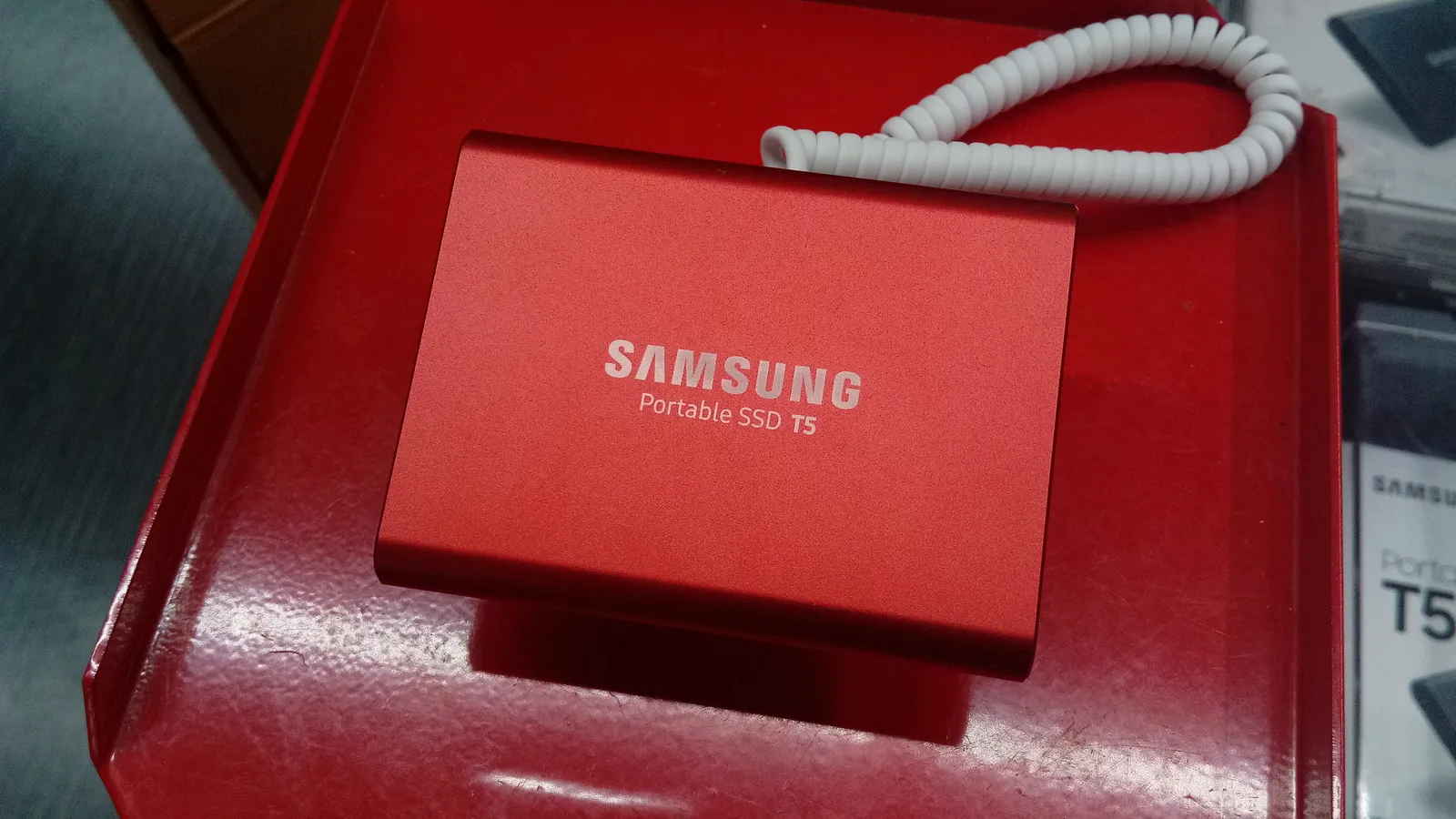
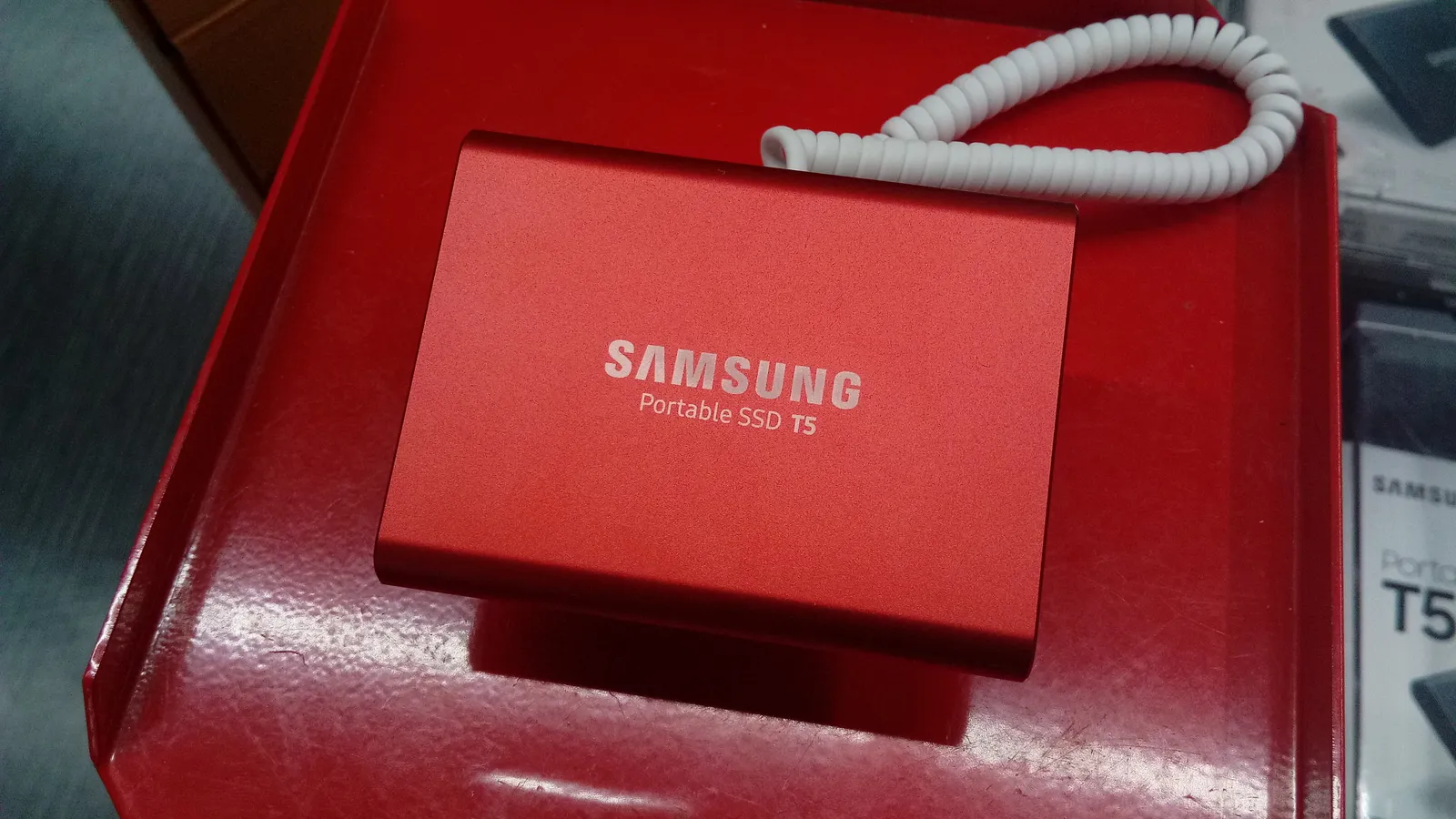
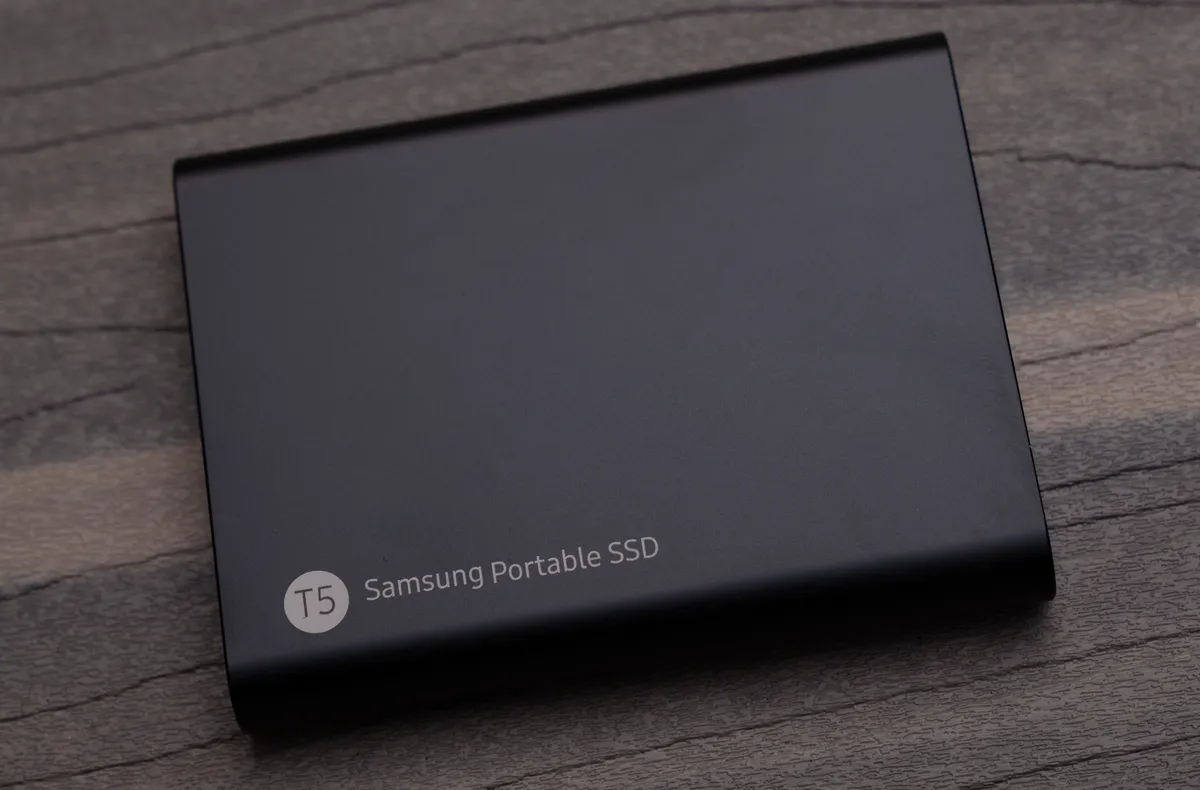
A 1TB portable SSD costs about $85 and its advertised speed is a number you will almost never see. I used a Samsung Portable SSD T5 as my working drive for five months — photo library, video project files, a full system backup, and a fortnight of running a virtual machine directly from it — and benchmarked it properly rather than trusting the box: sequential and random speeds, sustained write performance until the cache ran out, and the thing that actually determines whether it feels fast.
It is a genuinely good drive whose real-world performance depends almost entirely on two things that have nothing to do with the drive: your cable and your port.
The cable and port trap
This drive is rated at up to 540 MB/s over USB 3.1 Gen 2. Here is what I actually measured, same drive, same files, four connections.
Into a USB 3.1 Gen 2 port with the supplied USB-C to USB-C cable: 512 MB/s read, 480 MB/s write. Close to the claim and about as good as this interface gets.
Into a USB 3.0 (5 Gbps) port with the same cable: 415 MB/s read. The port, not the drive, is the limit.
Through a cheap unbranded USB-C cable I had in a drawer: 38 MB/s. That cable is a USB 2.0 charging cable with a USB-C plug, and it is functionally indistinguishable from a good cable by eye. This single test explains most complaints about portable SSDs being slow.
Through a $15 unpowered USB hub: 190 MB/s, with two dropouts during a large transfer.
So: use the supplied cable, plug into a port you have verified is USB 3.1 Gen 2 or better, and skip hubs. Get any of those wrong and you have bought a fast drive and installed a slow one.
Sustained writes: where the number falls apart
Benchmarks measure short bursts. Real work means copying 200 GB of video files, and that is a different test.
Writing a single 220 GB folder, the drive held about 470 MB/s for roughly the first 100 GB, then dropped to a sustained 280-310 MB/s for the remainder. That is the SLC write cache filling up and the drive falling back to direct writes — normal behaviour for consumer SSDs and never mentioned on packaging.
Practical consequence: a 220 GB transfer took 11 minutes 40 seconds rather than the 7 minutes the headline figure implies. Still dramatically faster than the mechanical drive it replaced, which took 47 minutes for the same job.
Random performance is what makes it feel fast
The number that changed my daily experience is not sequential throughput. Working directly from the drive — opening a photo library with 40,000 files, browsing folders, launching applications installed on it — depends on random small-file performance and on latency.
Measured 4K random reads came out around 22,000 IOPS. My old portable hard drive managed roughly 120. That is a factor of nearly 200, and it is why a photo library that took 40 seconds to open from the mechanical drive opens in under two from this one.
Running a Linux virtual machine directly from the drive for two weeks worked without complaint — boot times and application launches inside the VM were indistinguishable from running on my laptop's internal drive. That is not something a mechanical portable drive can do at all.
Heat, and whether it throttles
The aluminium body is the heatsink. During the 220 GB sustained write the case reached 48°C measured with an infrared thermometer — warm to hold, not uncomfortable — and the write speed drop I measured was cache exhaustion rather than thermal throttling, since it stayed flat at 280-310 MB/s rather than declining further as the case warmed.
I repeated a 100 GB transfer immediately afterwards while the drive was already warm and got the same result, which suggests thermal throttling isn't a real issue for this drive at this speed class. Faster USB 4 and Thunderbolt drives, which move two to four times as much data, are a different story and genuinely do throttle.
What did matter: leaving it on a soft surface. A transfer with the drive sitting on a bed took slightly longer than the same transfer on a desk, which is consistent with the case being the cooling path.
Physical durability, honestly
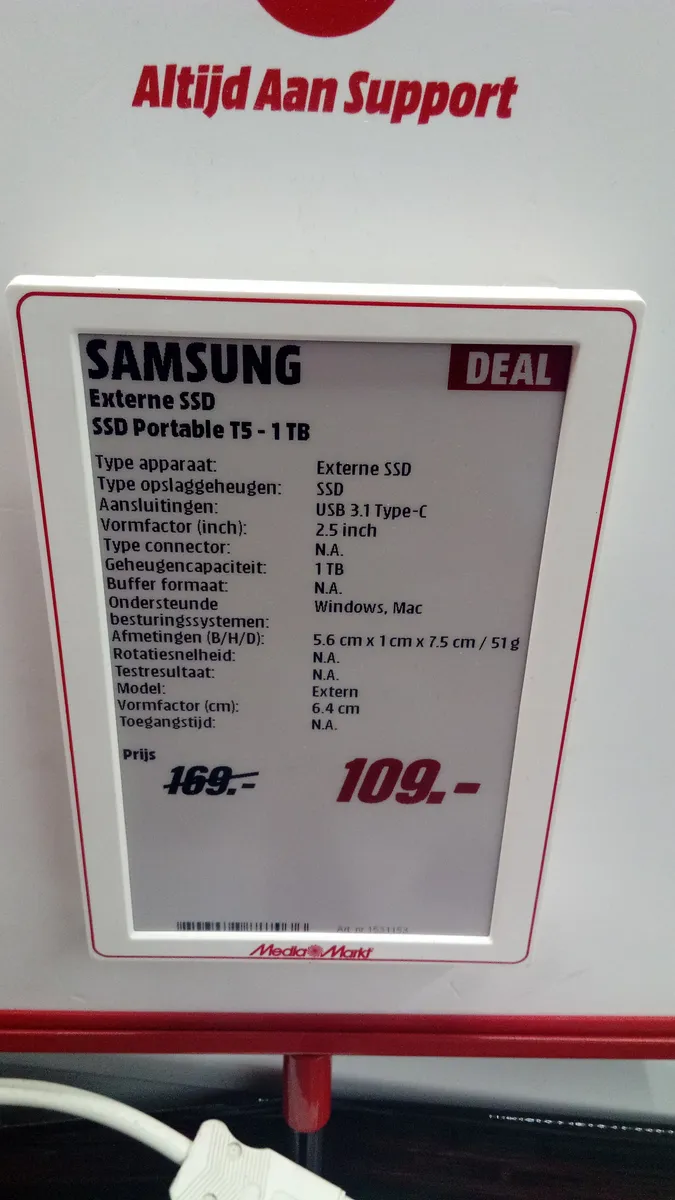
It weighs 51 g and is about the size of a credit card and 10 mm thick, which means it lives in a jacket pocket rather than a bag pocket. Over five months it has been dropped onto a wooden floor twice from desk height with no consequence, which is the main structural advantage of solid state over a mechanical drive with spinning platters.
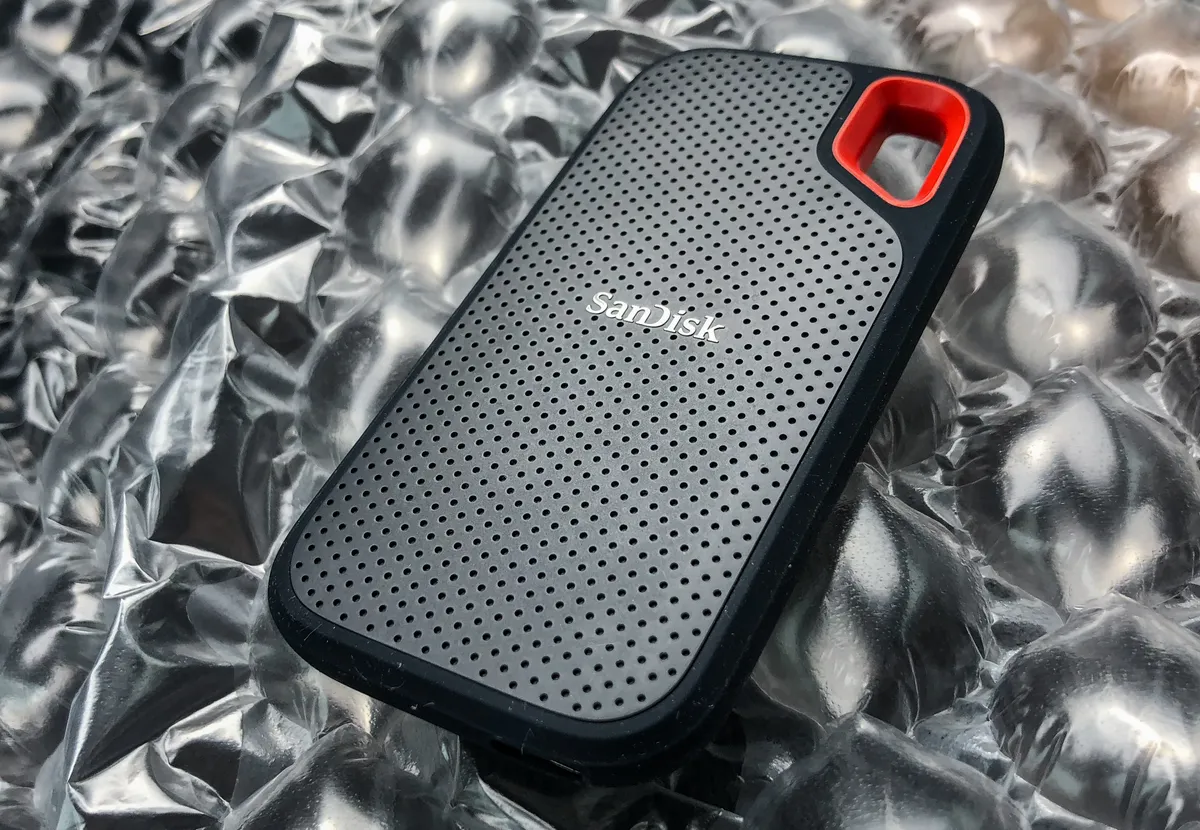
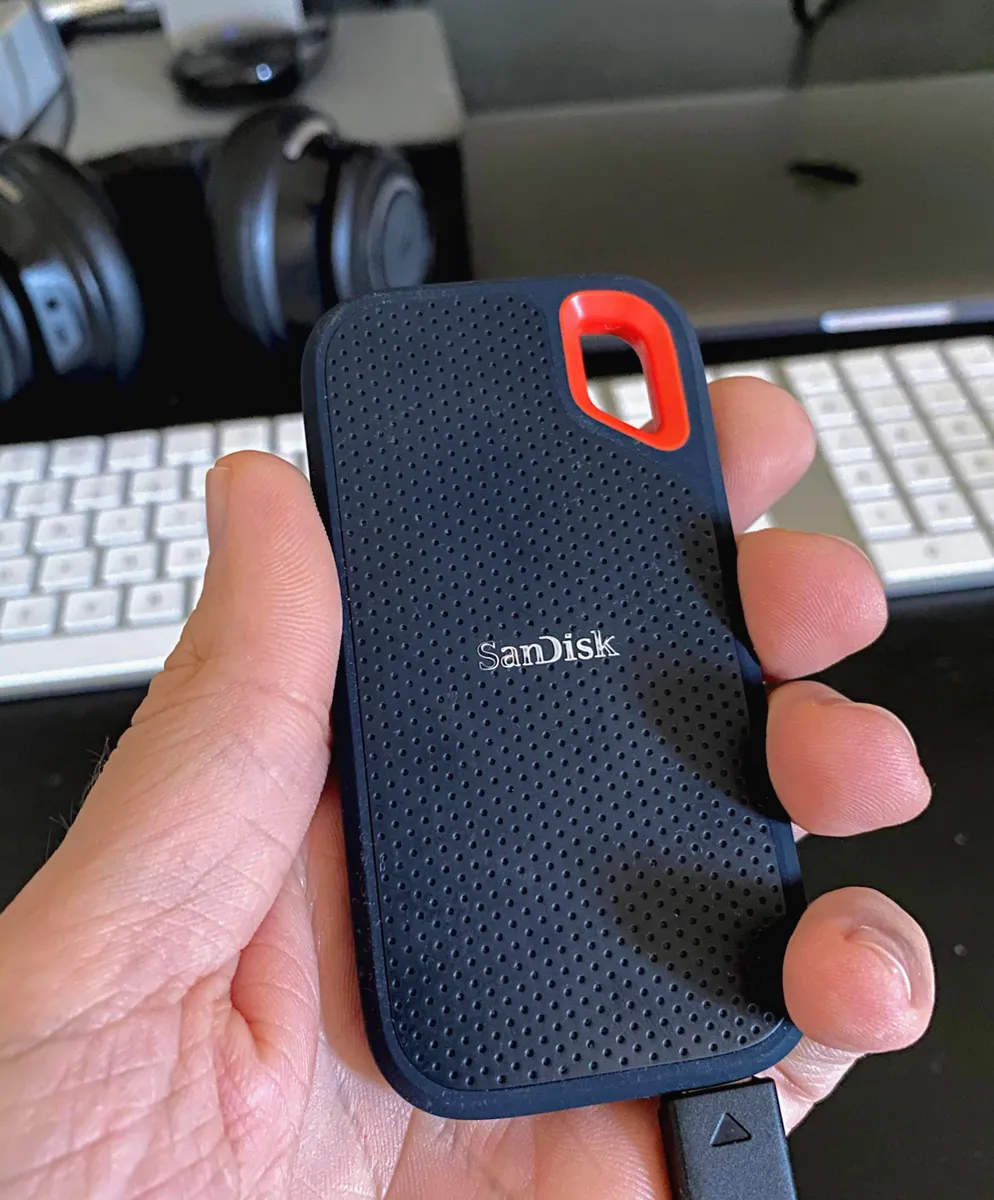
What it is not is rugged. There is no water resistance, no rubber armour and no drop rating on this model. SanDisk's Extreme line and similar rugged drives carry IP ratings and published drop specs for around $20-30 more, and if the drive is going on a building site or a hiking trip, that is the version to buy.
The USB-C socket is the mechanical weak point on any drive like this. Mine is still tight with no wobble after five months of daily plugging, but a bent socket is unrepairable and is how these drives die. I plug and unplug straight and don't leave the cable dangling under tension.
Encryption, and the thing to decide before you use it
The drive supports AES 256-bit hardware encryption, enabled through Samsung's software. Turning it on means the drive requires a password before it will mount on any machine.
Two things worth being clear about. First, it works and it is the correct choice for any drive leaving your house with personal or client data on it — a lost unencrypted drive is a data breach, and a lost encrypted one is an inconvenience.
Second, and more important: if you forget the password, the data is gone. There is no recovery mechanism, no backdoor and no support route. That is what makes the encryption worth having and it is also a genuine risk. Store the password in a password manager before enabling it, not after.
The other honest warning applies to any single drive: this is not a backup. A portable SSD is a single point of failure, and SSDs fail without the warning noises a mechanical drive gives you. My working files live here and are also backed up elsewhere, and anyone treating a single portable drive as their only copy is one dropped bag away from losing everything.
Formatting: the five-minute job to do first
The drive ships formatted exFAT, which works on both Windows and macOS and is the right choice if you move between them. It is also the least robust of the options — exFAT has no journalling, and an interrupted write during a transfer can corrupt the file table. I had one instance of a folder becoming unreadable after unplugging mid-copy, recovered by a disk check.
If the drive will only ever be used with one operating system, reformat it to that system's native format — APFS or NTFS — for better reliability. If it needs to be cross-platform, keep exFAT and always eject properly.
Against the alternatives
Against a $50 portable mechanical drive of the same capacity, the SSD is 4x faster sequentially, roughly 200x faster on random reads, silent, and survives drops. The mechanical drive is cheaper per terabyte and that is its only advantage.
Against a $150 Thunderbolt or USB4 drive at 2,000+ MB/s, you'd get four times the sequential speed, which matters for video editing 4K footage directly from the drive and matters not at all for backups and document work. Check your ports first: a Thunderbolt drive on a USB 3.0 port performs like a cheap SSD.
Against a $30 USB flash drive, the SSD is faster by an order of magnitude on writes and far more reliable for sustained use. Flash drives are for moving a file, not for working from.
Who should buy this
Buy a 1TB portable SSD if you move working files between machines, edit photos or video away from your main drive, or want a fast local backup target. Use the supplied cable, verify your port is USB 3.1 Gen 2, enable encryption and store the password somewhere permanent.
Buy a rugged IP-rated model instead if it will travel roughly. Buy a Thunderbolt drive only if you have Thunderbolt ports and edit high-bitrate video. And do not treat any single drive as a backup — the reason to buy one is speed, not safety.
Verdict
Five months in, this drive has been completely reliable and considerably faster than the mechanical drive it replaced: 512 MB/s reads on the right port, 22,000 random read IOPS, a photo library that opens in under two seconds, and a virtual machine that ran from it indistinguishably from internal storage. Against that: sustained writes fall to about 290 MB/s once the cache fills, a bad cable dropped it to 38 MB/s, there is no water or drop rating on this model, exFAT corrupted a folder when I unplugged carelessly, and forgetting the encryption password means permanent data loss. Excellent drive, provided you get the cable and the port right.
We compared prices across retailers so you don't have to.